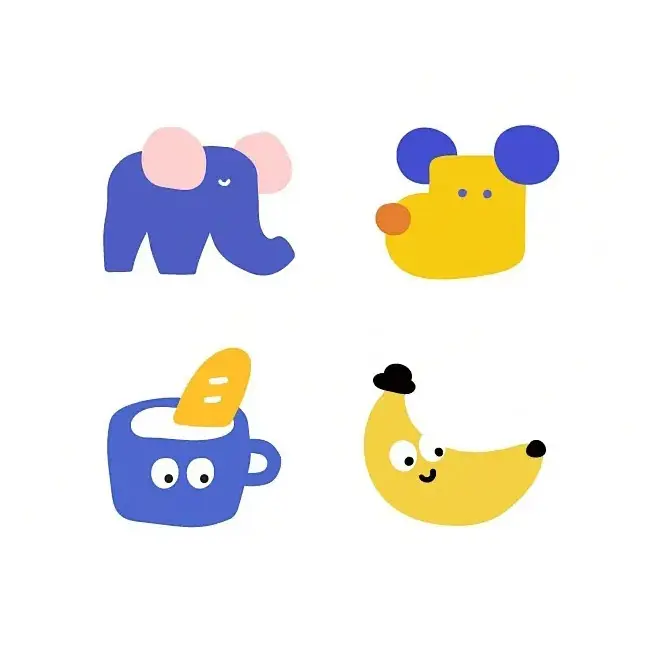
Midjourney sref codes are style reference parameters that apply a specific visual aesthetic to your AI image generation. Introduced in Midjourney v6, each code corresponds to a unique style — from watercolor illustrations and cinematic photography to vintage film looks, anime art, 3D renders, and abstract designs.
How Sref Codes Work
When you add a sref code to your prompt, Midjourney applies the visual characteristics of that code to your generated image. Think of it as a style preset — instead of describing the style in words, you simply reference a numeric code that captures the exact look you want.
Each sref code is a number, typically 7 to 10 digits long. For example, --sref 3102110963 applies a fluorescent orange animation style, while --sref 2917381023 produces a pink illustration aesthetic. The same code will consistently produce similar visual results across different prompts.
Why Midjourney Created Sref Codes
Before sref codes, replicating a specific style in Midjourney required lengthy text descriptions and often produced inconsistent results. Sref codes solve this problem by encoding style information into a reusable numeric reference. This means:
- Consistency: The same code produces the same style every time
- Simplicity: No need to write long style descriptions
- Sharing: You can share codes with others to replicate styles
- Discovery: You can explore entirely new styles by trying random codes
Sref vs Other Midjourney Parameters
Sref codes focus specifically on style. They are different from other parameters:
--srefapplies a style reference (visual aesthetic)--crefapplies a character reference (face, body, clothing)--stylizecontrols how strongly Midjourney applies its default aesthetic
You can use sref codes alongside other parameters for more control over your results.
Where to Find Sref Codes
You can discover sref codes in several ways:
- Browse our library — We curate hundreds of sref codes organized by style category, each with a preview image showing the result
- Use
--sref random— Add--sref randomto your prompt and Midjourney will apply a random style code - Extract from images — If you see a style you like in someone else’s Midjourney image, ask them for the sref code
- Experiment — Try different numbers and see what styles emerge
Explore more sref codes: Browse the full Midjourney sref codes library, or jump straight into popular styles — 3D sref codes, animation & cartoon sref codes, and abstract sref codes.